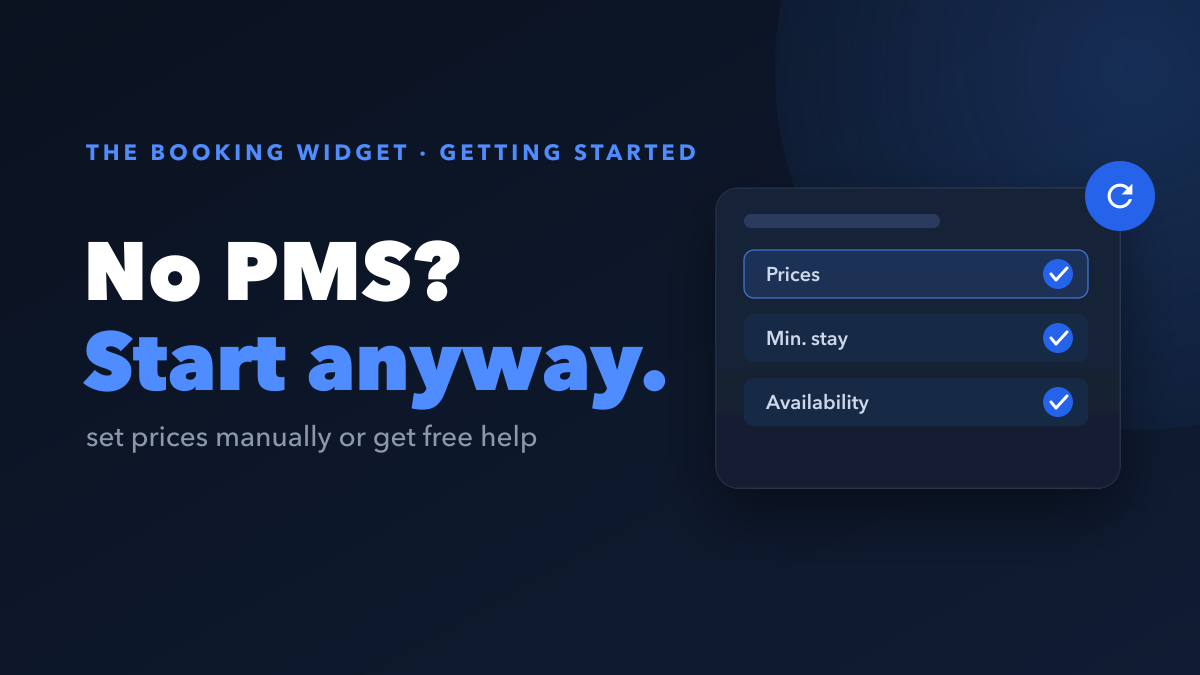
Yes, you can take direct bookings without a PMS. With The Booking Widget you set your prices and availability manually, right in the widget, and start accepting bookings today. No property management system required. When you are ready for one, you connect it later, and there is nothing to migrate.
This guide explains how to start without a PMS, what a PMS actually is, and how to get free help choosing one when the time comes.
Do you really need a PMS to take direct bookings?
No. A PMS is helpful, but it is not a prerequisite. Plenty of hosts take their first direct bookings before they ever touch a property management system.
The Booking Widget gives you two ways to get going:
- Set everything manually. Enter your prices and open dates directly in The Booking Widget. This is perfect if you manage one place or just a few, and it means you can go live in an afternoon.
- Get free PMS consulting. If you would rather start with a PMS in place, our team helps you choose one and set it up, free of charge. Reach us at contact@thebookingwidget.com.
Either path gets you to the same result: real direct bookings, paid straight into your own Stripe account.
What is a PMS, exactly?
A PMS, short for property management system, is software that keeps your availability, rates, and reservations in sync across every channel you sell on, such as Airbnb, Booking.com, Vrbo, and your own website. Change a price or block a date in one place, and the PMS updates everywhere.
That syncing is genuinely useful once your calendar gets busy or you add listings. But if you only have a property or two, doing it by hand is completely manageable, and it costs you nothing extra to start that way.
How to start manually with The Booking Widget
Starting without a PMS is straightforward:
- Add your property. Enter the basics: name, description, photos, and your nightly price.
- Set your availability. Mark which dates are open and which are booked, directly in the widget.
- Connect your Stripe account. Payouts go straight to you, so you stay in control of your money.
- Embed the widget on your site. Drop it in once, and guests can book without leaving your page.
- Keep your calendar current. When a booking comes in elsewhere, block those dates by hand so you never double-book.
That last point is the only real chore of going PMS-free: you update availability yourself. With one or a few properties, it takes minutes.
What happens when you connect a PMS later?
Nothing breaks, and nothing has to be redone. You start manually today and connect a PMS whenever you are ready. The moment you do, The Booking Widget syncs your availability and pricing automatically, so you can stop updating the calendar by hand.
There is no migration, no rebuild, and no lost history. The switch is simply an upgrade to how your calendar stays current.
Want help choosing a PMS? It is free
If you know you will want a PMS eventually, you do not have to research dozens of tools alone. We offer free PMS consulting: our team helps you pick a PMS that fits how you operate and helps you set it up, at no cost. Email contact@thebookingwidget.com and we will guide you from there.
Key takeaways
- You can take direct bookings without a PMS. Set prices and availability manually in The Booking Widget and go live today.
- A PMS syncs availability, rates, and bookings across channels. It is useful at scale, but not required to start.
- Manual setup is ideal for one or a few properties. Your only job is keeping the calendar current by hand.
- Connect a PMS whenever you are ready. There is nothing to migrate, and syncing becomes automatic.
- Free PMS consulting is available. Email contact@thebookingwidget.com for help choosing and setting one up.
The Booking Widget is a drop-in booking widget for short-term and vacation rental hosts. It is free to use, charges just 4% per booking, and pays out to your own Stripe. Start manually today, connect a PMS when it makes sense, and take direct bookings from the very first night.