
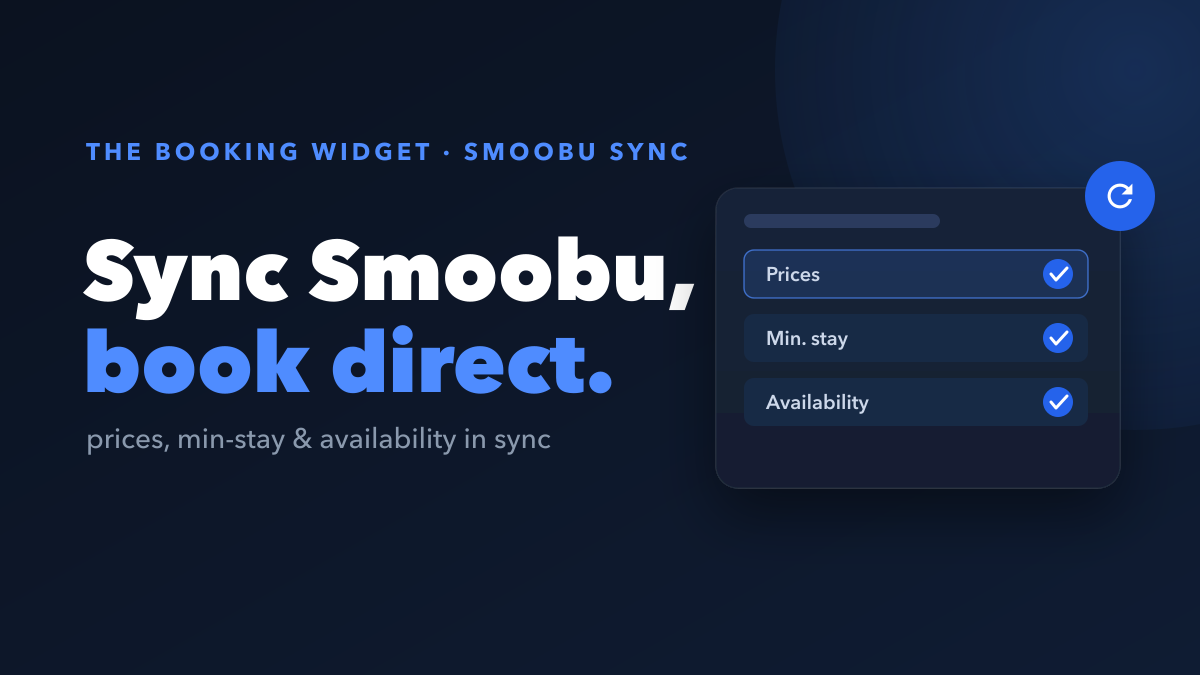
If you run your short-term rentals on Smoobu, you already have a solid property management system handling your prices, calendar, and channels. Good news: The Booking Widget works with Smoobu. Connect with just your Smoobu API key and your prices, minimum length of stay, and availability sync automatically, so you get a better direct booking website without losing sync.
Smoobu stays your single source of truth. The Booking Widget simply sits on top of it, turning your Smoobu data into a faster, better-converting booking page.
Does The Booking Widget work with Smoobu?
Yes. The Booking Widget partners with and integrates with Smoobu. It pulls your data from Smoobu so everything stays consistent with the system you already manage.
You keep running Smoobu exactly as you do today. Nothing moves out of it. The Booking Widget reads from it and gives your guests a cleaner place to book direct.
What syncs from Smoobu?
Everything that matters for taking a booking syncs automatically, and it keeps syncing as you make changes:
| What syncs | Stays current |
|---|---|
| Nightly prices / rates | Updated automatically from Smoobu |
| Minimum length of stay (MLOS) | Min-stay rules respected on your site |
| Availability / calendar | Live, so no double bookings |
| Listing details | Pulled from your Smoobu listings |
Make a change in Smoobu, adjust a rate, block a date, tweak your min-stay, and it flows through to your booking site automatically. No double entry, no lost sync.
How do you connect Smoobu?
Connecting takes one credential: your Smoobu API key. Here is the whole process.
- In your Smoobu account, open Settings and find the API / “For Developers” area.
- Copy your API key.
- Open The Booking Widget and paste the API key in.
- Done, your prices, min-stay, and availability start syncing.
That API key is the only thing The Booking Widget needs to get started. Because it is the single credential that connects the two, treat it privately and don’t share it publicly.
What do you get on top of Smoobu?
Smoobu is a capable PMS, and its built-in booking engine handles the basics fine. The Booking Widget is an upgrade on top of Smoobu, not a replacement for it. On top of the same synced data, you also get:
- A more customizable, better-converting direct booking website that you control.
- Analytics that show how guests actually move through your booking flow.
- Lost-basket recovery, automated win-back emails to guests who started a booking but didn’t finish, which Smoobu’s native booking engine doesn’t offer.
That last point is the big one. Most guests who start a booking never complete it. The Booking Widget captures their intent the moment they begin, so a near-miss becomes a follow-up instead of a dead end.
And it’s free to use, we only take a small commission when you actually get paid on a booking. No subscription, no fee for connecting.
Key takeaways
- The Booking Widget integrates with Smoobu; Smoobu stays your source of truth.
- Prices, min-stay (MLOS), availability, and listing details sync automatically.
- Setup is just copying your Smoobu API key and pasting it in, keep that key private.
- On top of Smoobu you gain a better booking site, analytics, and lost-basket recovery, all free apart from a small commission on paid bookings.
Keep Smoobu doing what it does well, and let The Booking Widget turn that same data into more direct bookings.