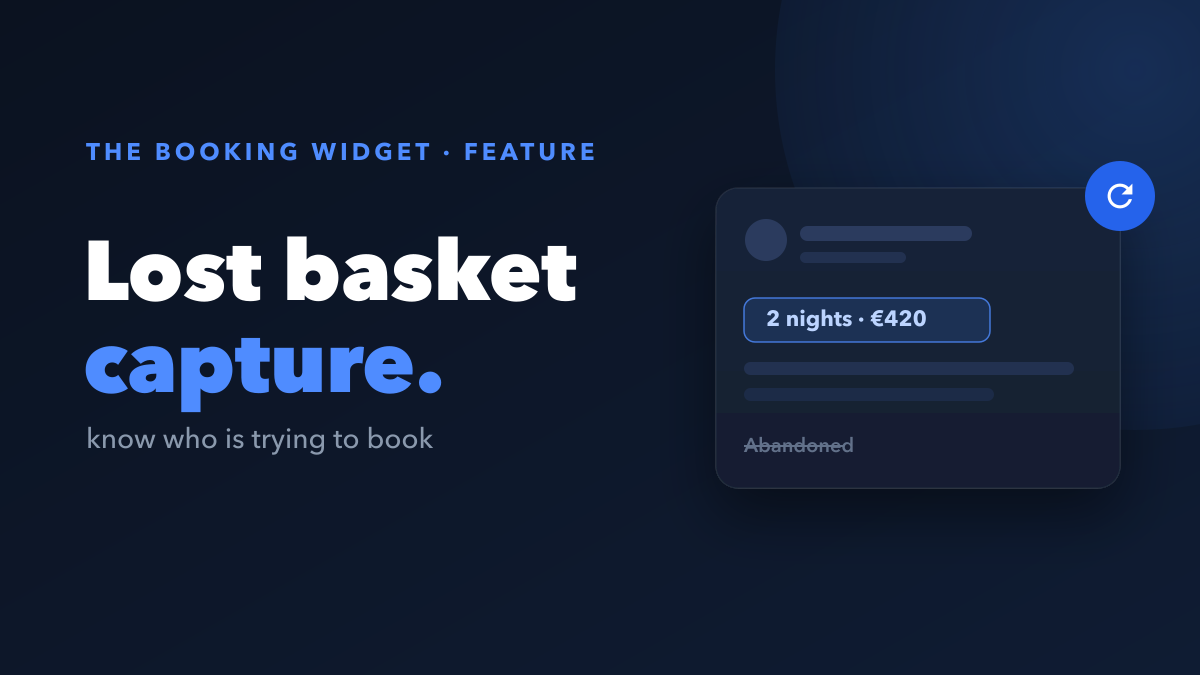
Most guests who start a booking on your site never finish it. On a normal booking tool, those people vanish without a trace. The Lost Basket feature changes that: it shows you exactly who was trying to book, so you can bring them back instead of losing them for good.
What is a lost basket?
A lost basket is a guest who began the booking flow, picked dates and a listing, and then left before paying. The intent was real. Life just got in the way. They got distracted, opened another tab to compare, or wanted to check with a travel partner before committing.
The problem on most sites is that this guest is invisible. Nothing gets saved until payment is complete, so a near-miss looks identical to someone who never showed up.
How does The Booking Widget capture who is booking?
The Booking Widget captures a guest’s details and booking intent the moment they start, not only when they finish. That means dates, listing, and price are recorded as soon as someone begins, even if they never reach checkout.
Every lost basket then lands in your dashboard as a ready-to-use recovery list, updated in real time. For each one you can see:
- Who the guest is
- Which dates they wanted
- Which listing they were booking
- How far they got before dropping off
A dead end becomes a warm lead you can actually act on.
What can you do with a lost basket?
Once you can see the guest, recovery is straightforward. You have three ways to follow up, and you can mix them:
- Follow up manually. Use the contact details in your dashboard to send a short, friendly message. A quick nudge to someone who was one step from booking recovers a meaningful share of them.
- Turn on automated email reminders. Let The Booking Widget do the chasing for you. It sends a timely reminder to guests who abandoned, so you never have to remember to.
- Pair it with a Comeback Offer. Switch on the Comeback Offer feature and a discount is applied automatically when the guest returns, giving hesitant bookers a reason to finish now.
Why does catching intent early matter?
Timing is everything with abandoned bookings. Most guests who leave mean “not right now,” not “no.” A reminder that reaches them while the trip is still on their mind converts far better than silence.
Because The Booking Widget records intent at the very start of the flow, you are never waiting on a completed payment to know a guest existed. You see the demand as it happens, including the exact dates people keep trying to book.
Key takeaways
- A lost basket is a guest who started a booking but left before paying.
- The Booking Widget captures details and intent the moment they start, so no near-miss goes unseen.
- Every lost basket appears in your dashboard in real time, with who, what dates, which listing, and how far they got.
- Recover them by following up manually, turning on automated email reminders, or pairing with a Comeback Offer discount.
- It stays free to use, with a simple 4% per booking and payouts to your own Stripe.
The guests were always trying to book. With the Lost Basket feature, you finally get to see them and win them back. Add The Booking Widget to your site and turn your next near-miss into a confirmed stay.